




Take your Presentation Design to the Next Level
GET ACCESS NOW
& PowerPoint Templates!
Automated Excel Templates!
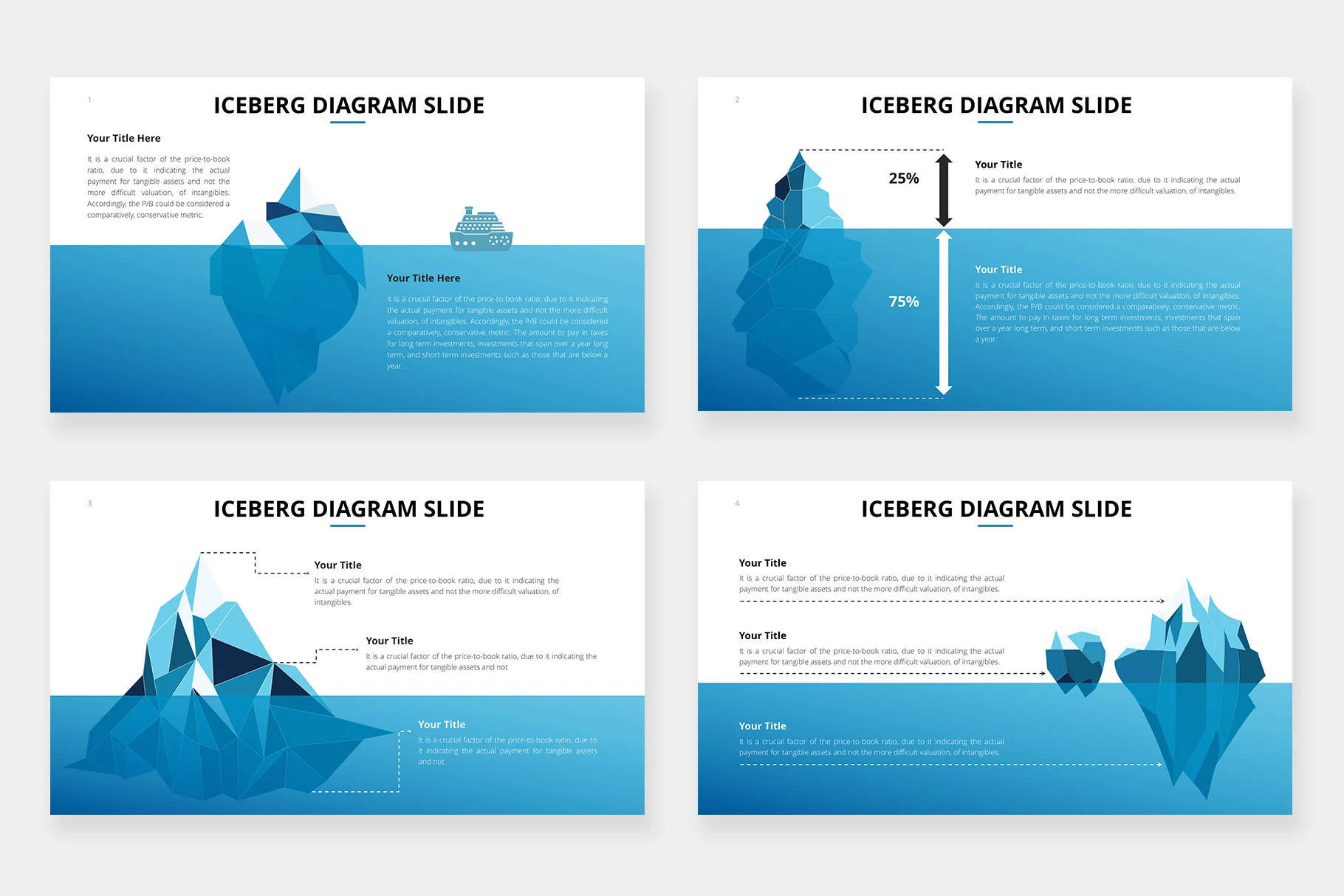
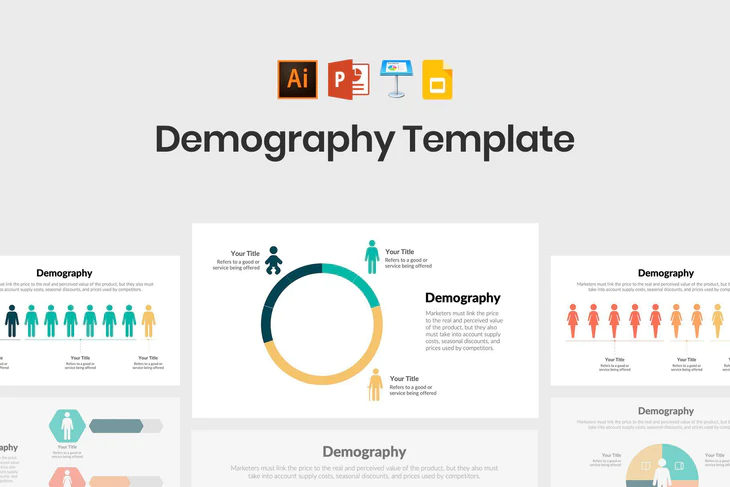
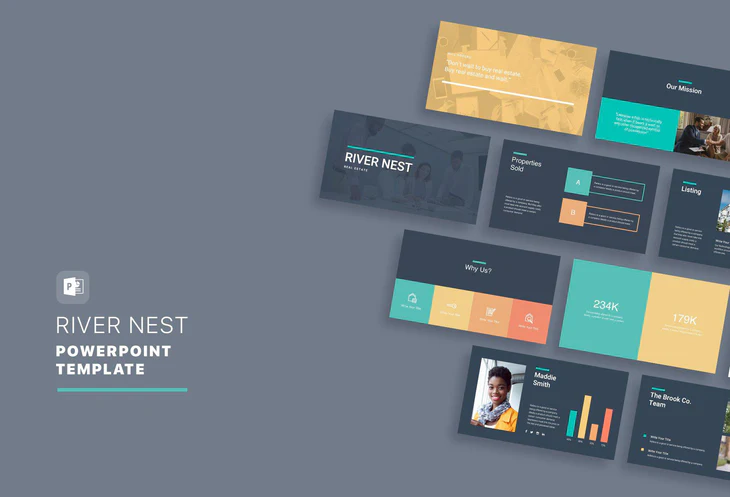
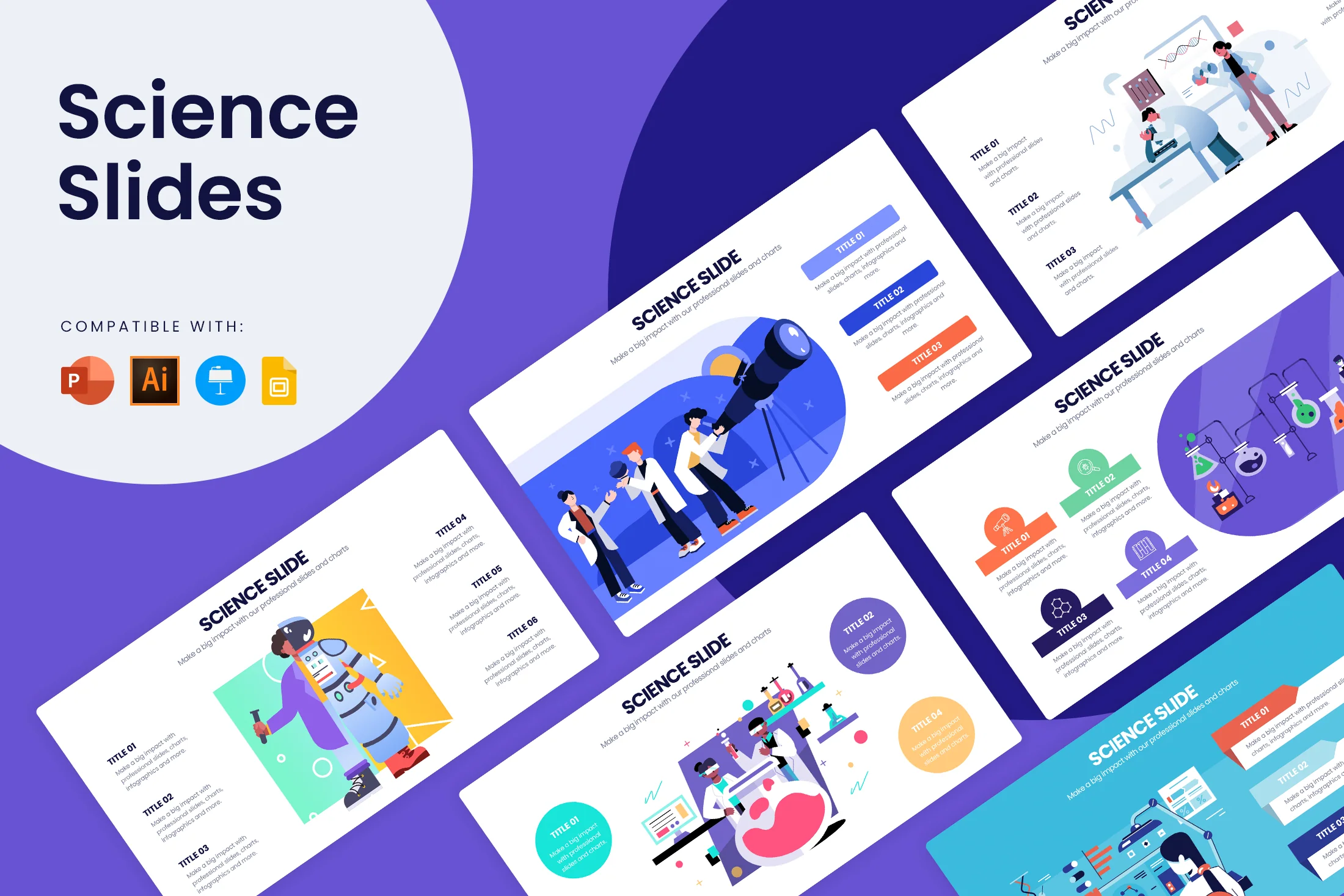
Find the perfect design
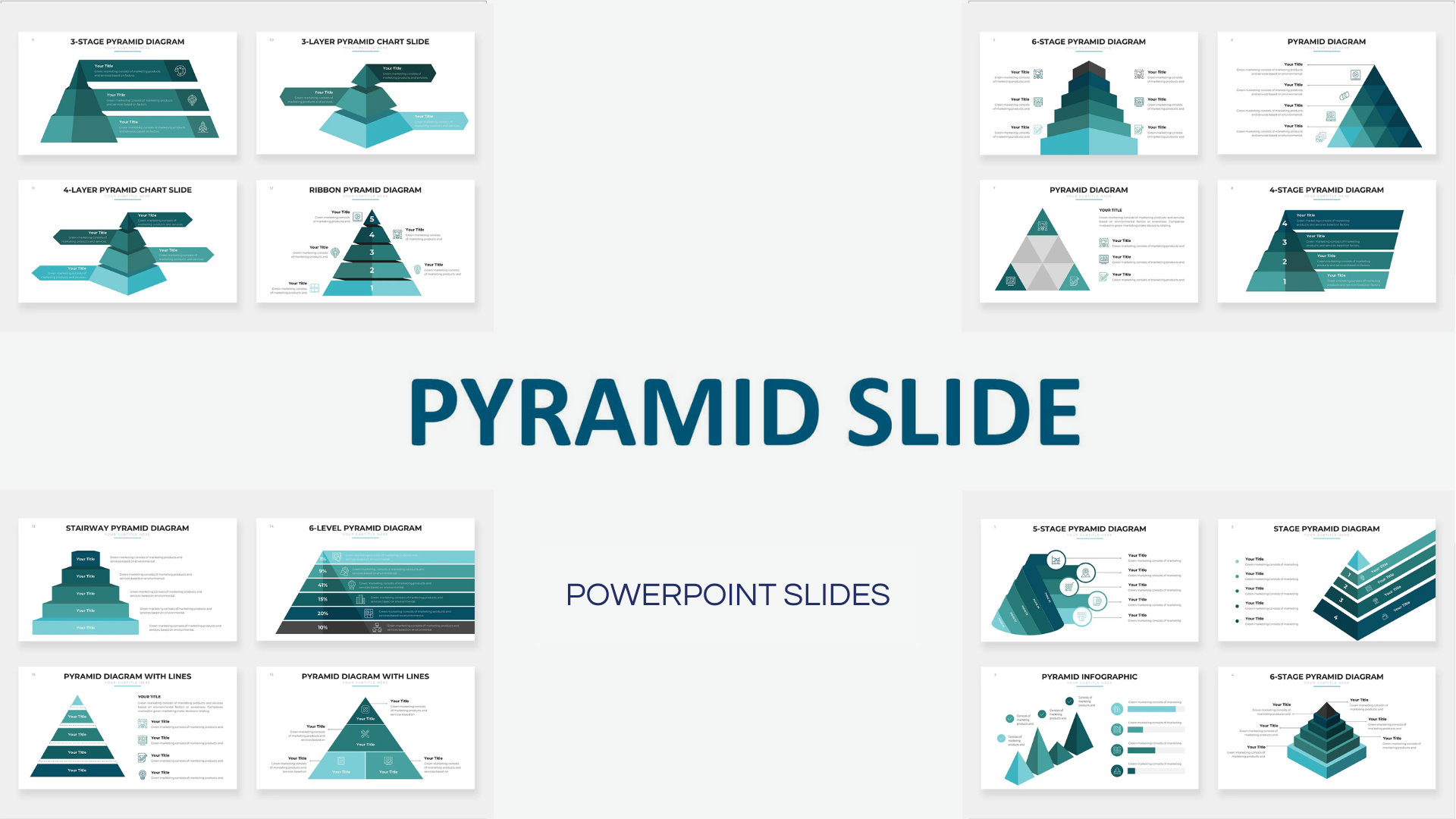
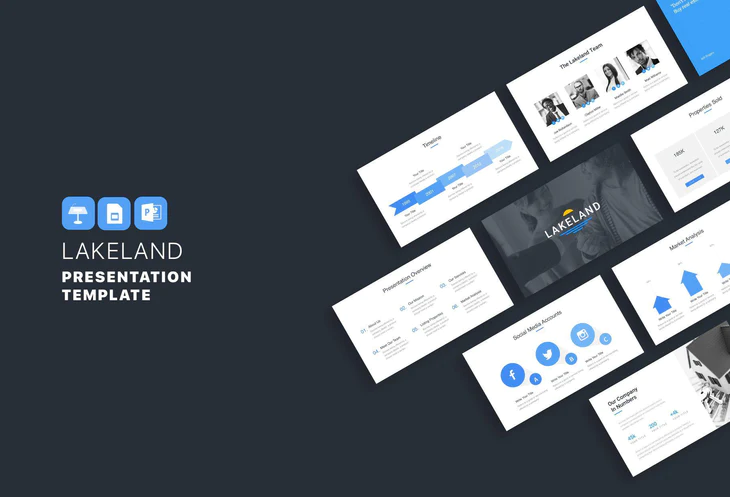
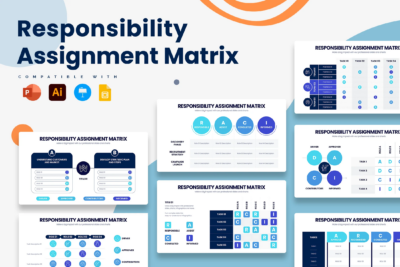
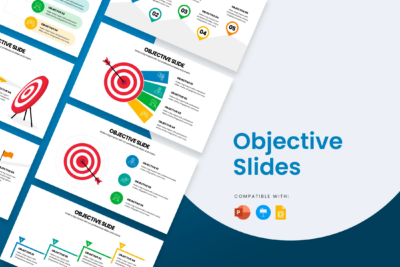
Modern PowerPoint and Excel templates feature sleek and visually appealing designs, incorporating contemporary fonts, colours, and graphics.


Everything you need to create a professional presentation now in one place
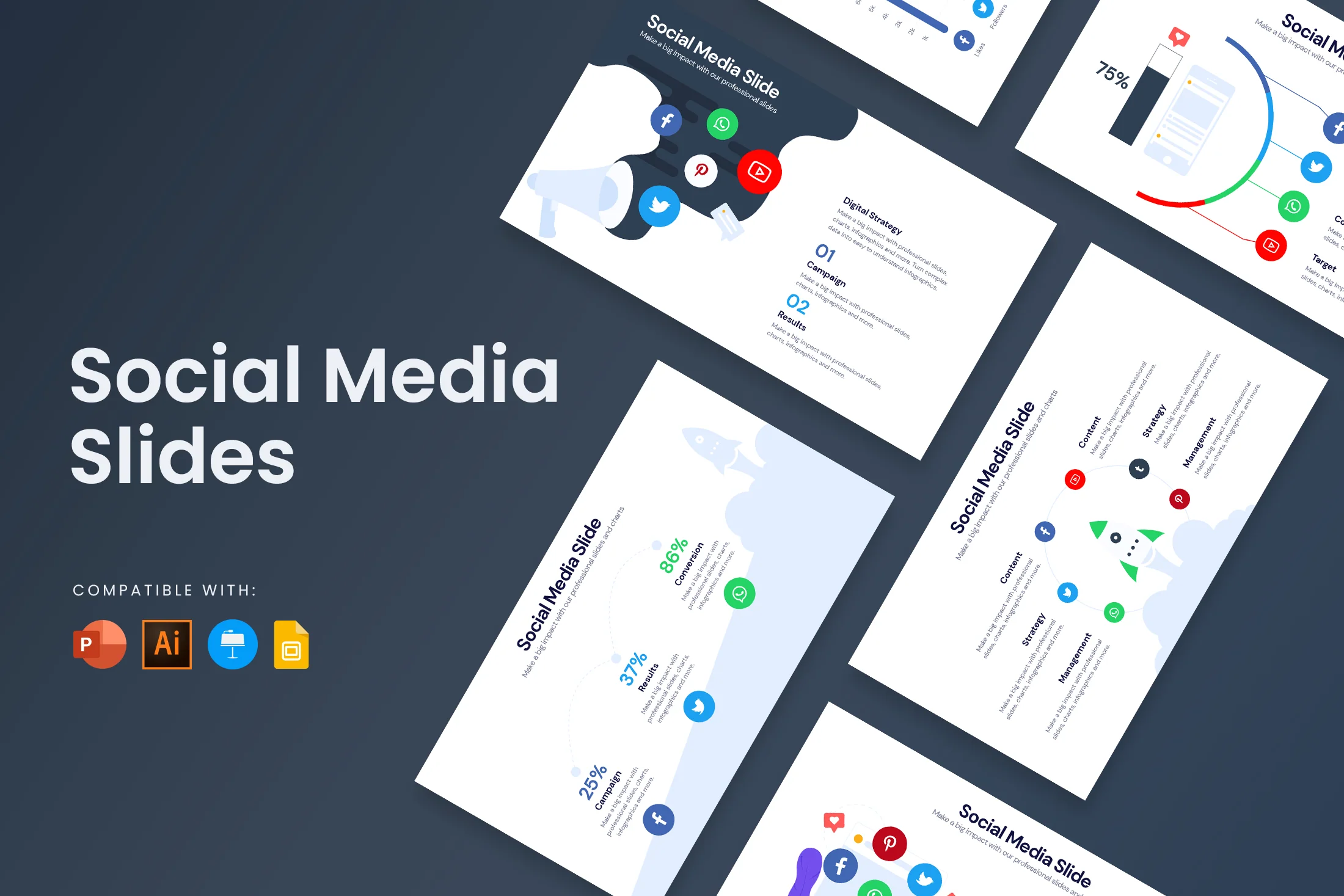
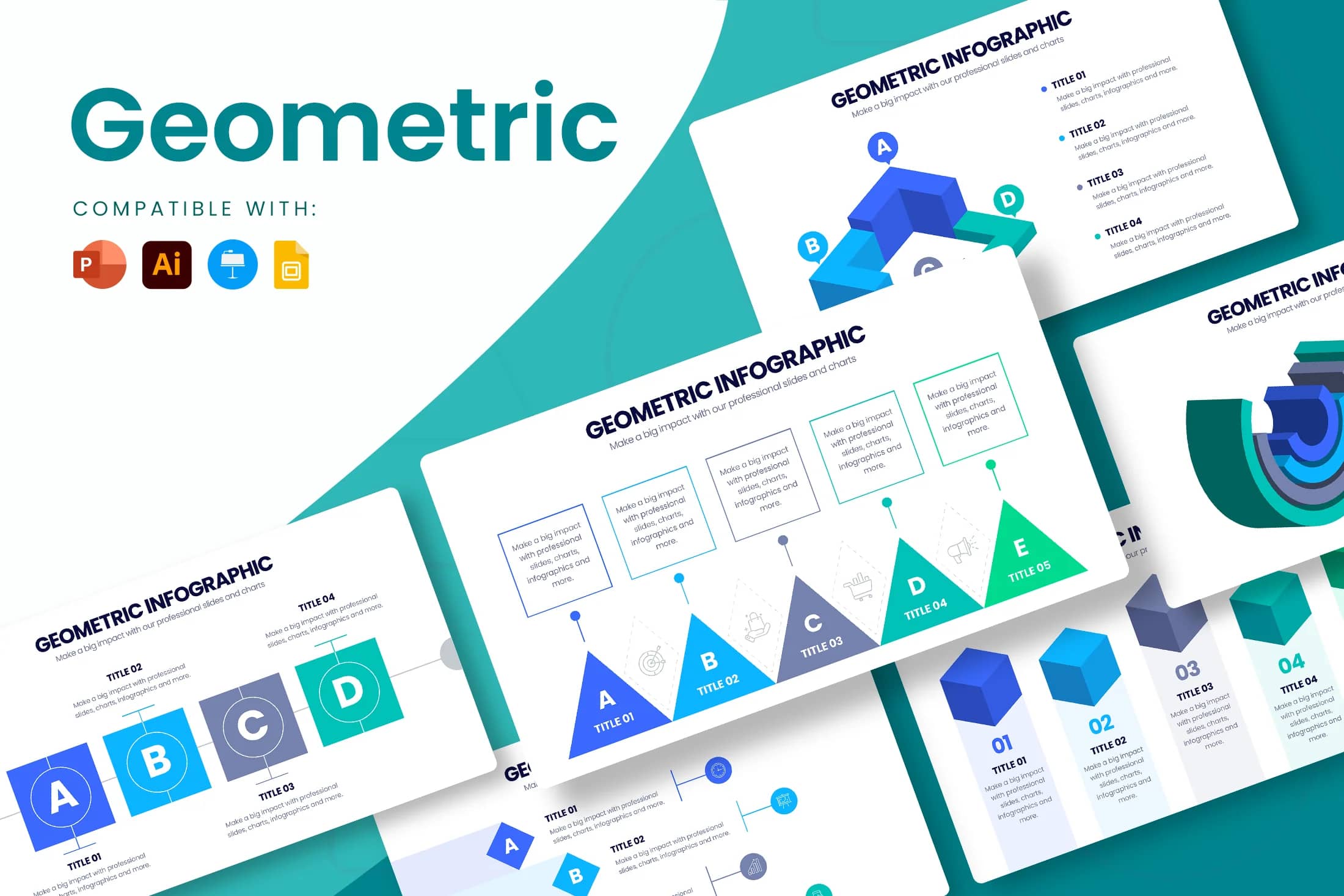
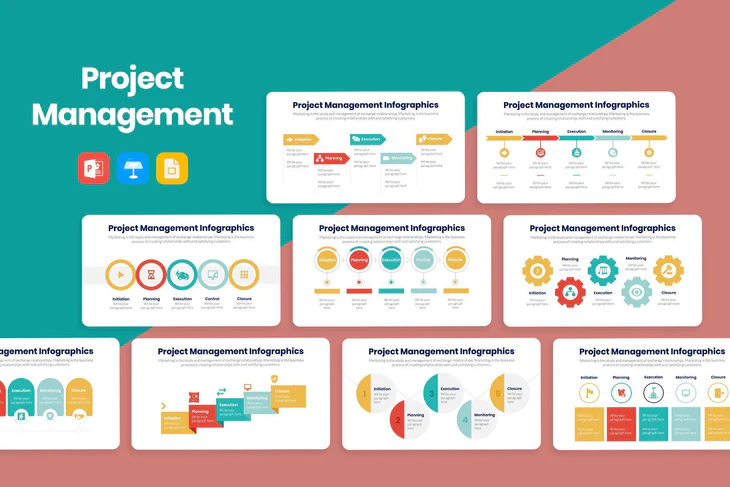
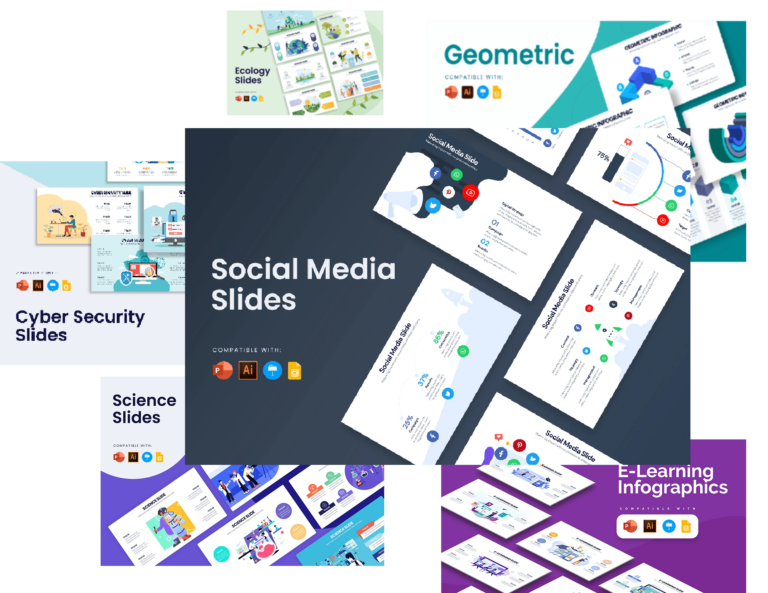
Top trending templates
Modern PowerPoint and Excel templates feature sleek and visually appealing designs, incorporating contemporary fonts, colours, and graphics.
We work through every aspect at the planning
Efficiency Elevated: Hear What Our Clients Have to Say
Discover firsthand the impact of our high-quality Excel and PowerPoint templates through the words of satisfied clients
The most promising templates and designs
Promising templates and designs refer to innovative and visually appealing pre-designed layouts and creative concepts that hold the potential to capture audience attention and enhance user experiences in various contexts, such as websites, presentations, marketing materials, and product packaging.
Why Us?
Choose MyProTemplates.com for top-quality templates and designs that elevate your projects with professionalism and creativity.
1. One-off payment
All subscriptions are a lifetime.
2. Unlimited Downloads
Enjoy all templates.
3. 100% Customizable
Customize each template to your needs.
My Pro Templates
Modern PowerPoint and Excel templates feature sleek and visually appealing designs, incorporating contemporary fonts, colours, and graphics.
Our Memberships
Our prices are exceptionally affordable, ensuring you get high-quality templates and designs without breaking the bank and Unlimited access.
FREQUENTLY ASKED QUESTIONS
You will have full access and is a one time payment that will allow you lifetime access.
The best way to work on our templates is:
- - Open any ppt or gs slides file included in our package
- - Edit the slides that suit with your project
- - Delete slides that you don’t need it
- - Done
Also you can copy and paste slides from other presentations but we highly recommend you always work in one of our files, don’t copy our slides and create a new presentation file in Powerpoint because you will lose the format (Colors themes, text boxes, etc)
As the item, you are purchasing is digital goods, by delivering or downloading the item you have taken ownership of the item, and we cannot offer refunds or exchanges. If you have technical issues with the product or you can't download the files contact us and we will help you as soon as possible.
- - Sign in with your Google account
- - Go to: https://docs.google.com/presentation/u/0/
- - Click on the icon folder (you will see this at right top corner
- - Click on upload tab then select one of of the gs slides files included in the folders renamed as “google slides"
We welcome all suggestions on new topics and the most popular will be included in our updates. To leave a suggestion email us at: support@myprotemplates.com